
The Power Tables for Confluence macro will completely change how users see and interact with all of your tabular data.
Overview
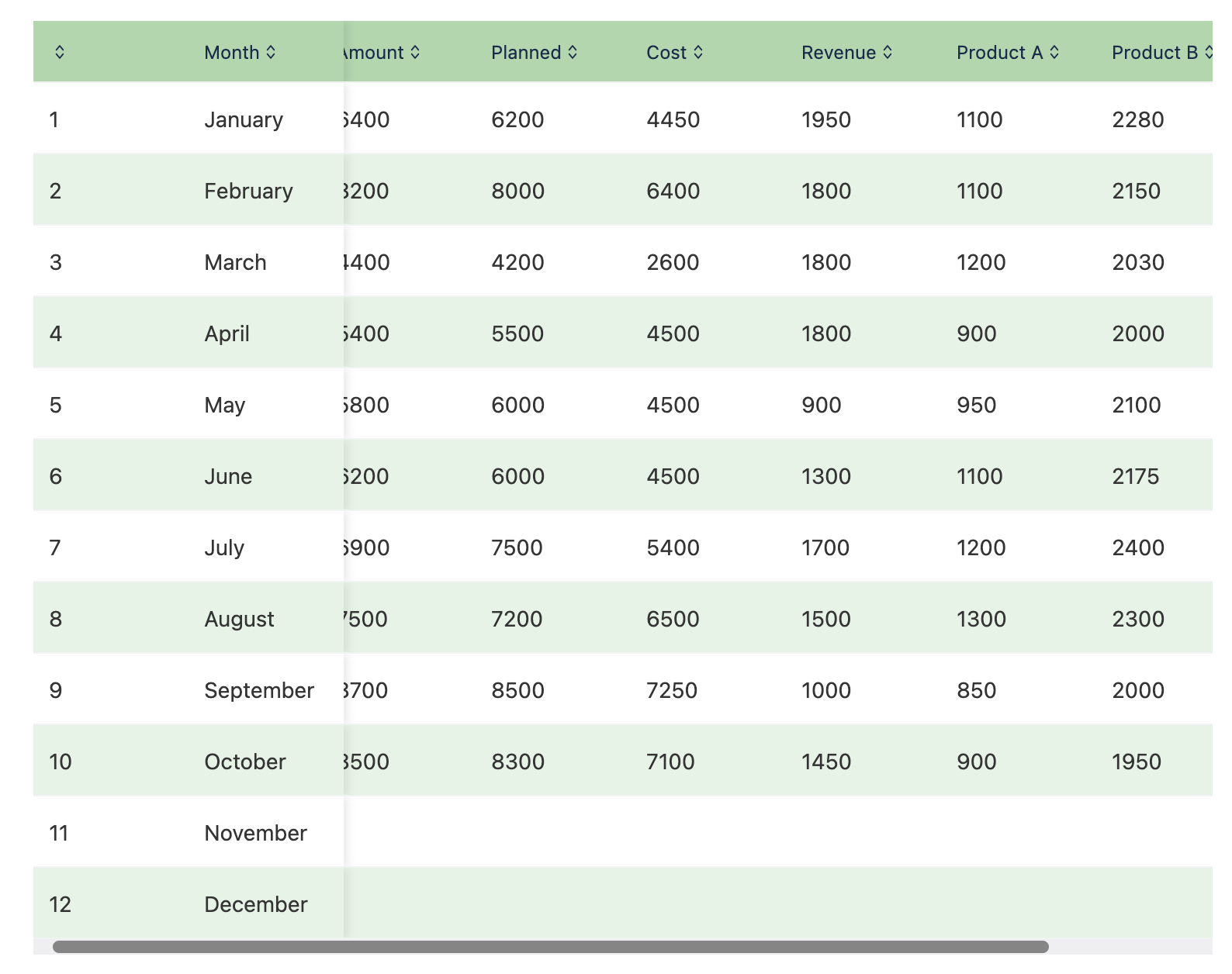
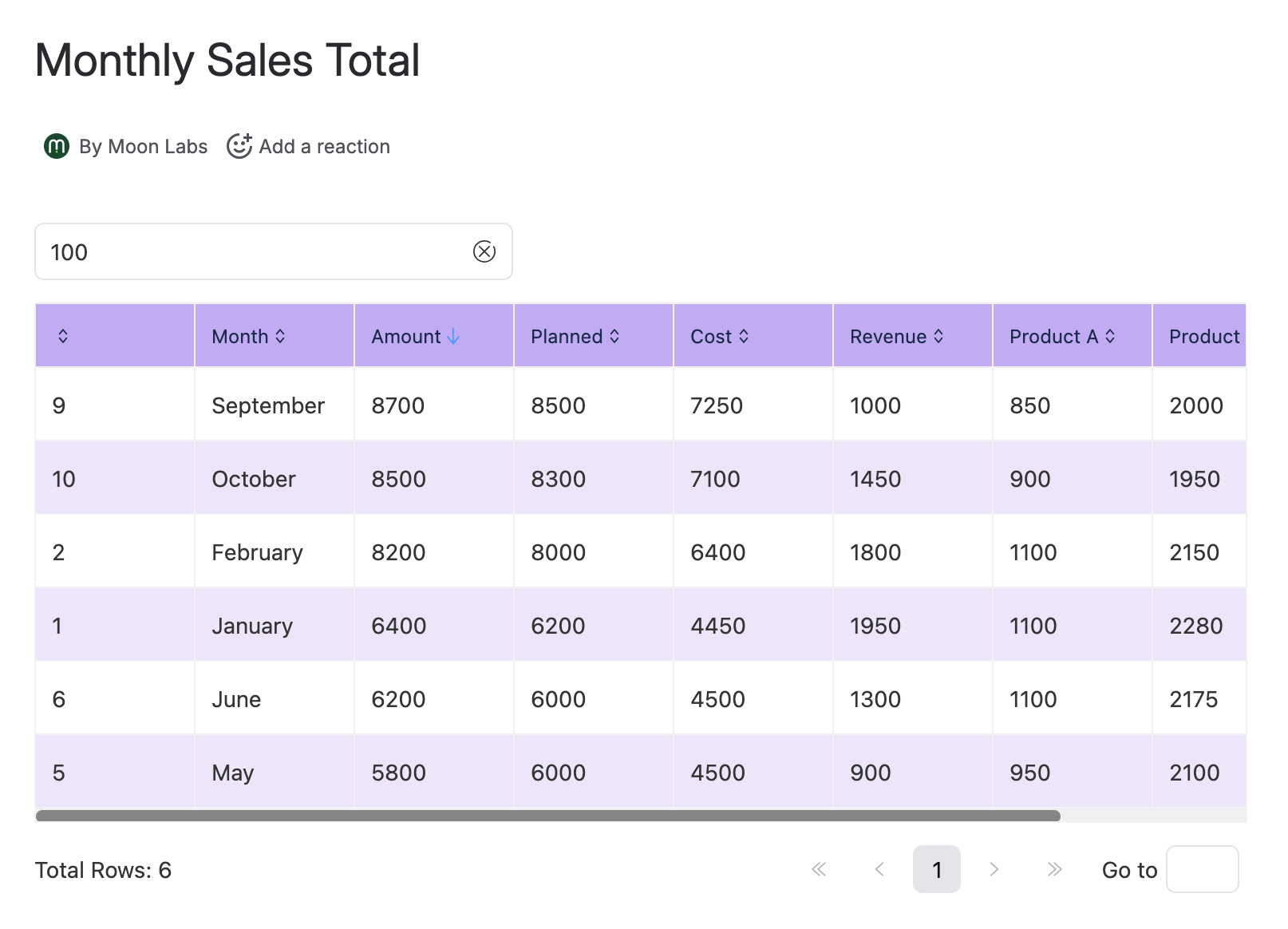
Power up all of your Confluence tables with our newest macro! Power Tables allows you to make your tables beautiful and functional. Search, sort, change colors, add paging, and more by using this macro. Many options are already available, with tons more planned to be released shortly! Tell us what you want to see, and we will do our best to make it happen and support your business needs.
Usage
- Add the macro to any page you are editing by typing
/power tables, make surePower Tablesis selected, and press ENTER - Add a Confluence table to the body of the macro. You can edit the table contents just as you would any other table.
- Publish the page and look at your beautiful tables! Even with just the default settings, your tables look better and are more functional than before. Searching and pinned columns are enabled by default.
- Go back in and edit the page. Now, click the
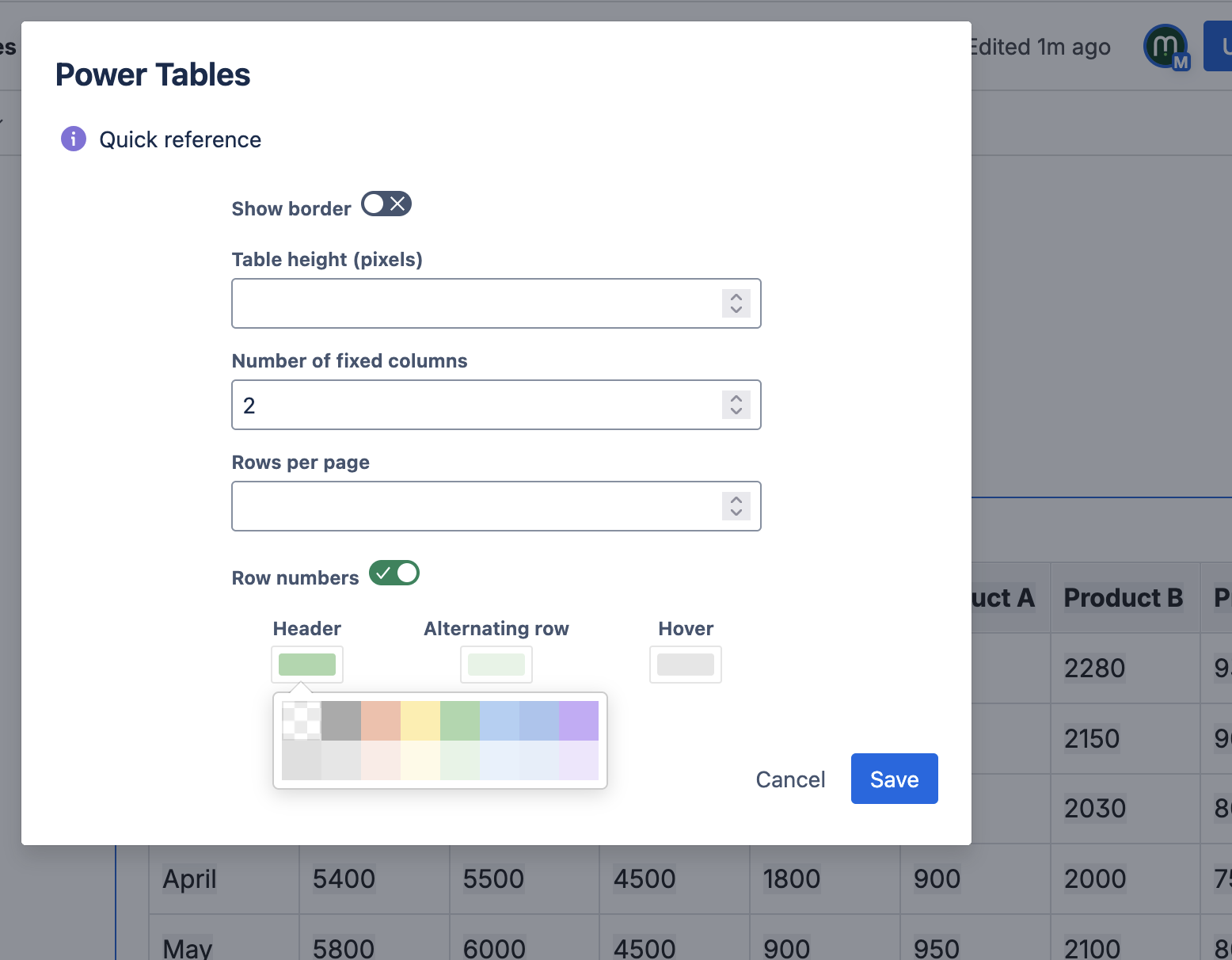
Editbutton, with the pencil icon underneath the macro. From here, feel free to try any of the other settings available.
Roadmap
- Get markup from original table in cells. e.g. support text effects, cell background color, etc
- Math functions for each column (e.g. sum, avg, std deviation)
- Support CSV data
- Gather data from other sources
- Group rows by a given value
- Pivot tables
- Graphs
Support
Please contact us with any issues you are having by emailing us at support@moonlabs.app. If there is a feature you’d like us to add, please let us know!
End-User License Agreement
Refer to our EULA document.